

Why Choose Prevision Fine Pitch LED Display
- Factory-direct supply at competitive prices.
- 72-hour burn-in testing before shipment.
- Customizable flexible screen size.
- Fine pitch LED display service life over 100,000 hours.

Fine Pitch LED Displays for Close Viewing
Prevision Fine Pitch LED displays use closely spaced pixels to fit more detail into a limited wall area. This matters when meeting participants need to read drawings or spreadsheets, rather than watch large video images alone.
For a calculated 4.8 × 2.7 m layout using 600 × 337.5 mm cabinets, an 8 × 8 grid needs 64 cabinets. P1.25 provides 480 × 270 pixels per cabinet and native UHD 4K across the wall. P1.5625 in the same area provides 3072 × 1728 pixels. This shows how pitch changes detail without increasing screen size.
Send the Prevision team the available width and height, the nearest viewing distance, and a sample of your content. Prevision can quote a cabinet layout with its actual pixel dimensions, service method, and control equipment, so the screen specification can be agreed upon before the room is fitted out.
Fine Pitch LED Display Configurations
Choose the surface construction according to how people use the space. Pixel pitch and screen dimensions are separate decisions.

Individual packaged LEDs are mounted on the circuit board. Choose SMD for fixed indoor walls where the display face is kept out of reach and no protective coating is required.

LED chips are bonded directly to the board beneath a protective layer. COB suits boardrooms and showrooms that need close viewing and protection from accidental contact with the display face.

A protective coating covers the SMD LEDs. GOB helps protect exposed components from accidental contact in accessible retail and exhibition installations while retaining the SMD module construction.

Modular Fine Pitch LED Video Walls can be configured in Full HD, 4K, or custom resolutions for control rooms, corporate spaces, studios, and auditoriums.
Fine Pitch LED Display Applications
Each space needs a different screen layout and way to manage content. These are configuration options for permanent indoor installations.

For hybrid meetings, use a processor that keeps the presentation large while placing remote participants beside it. This avoids shrinking a spreadsheet into a small window whenever another video source appears.
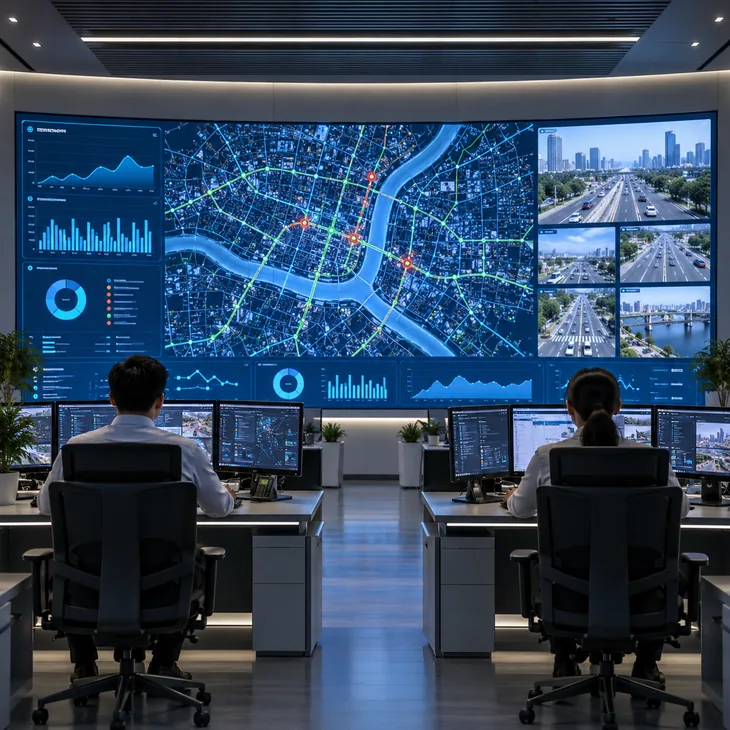
Reserve a fixed area for alarm lists and maps beside the camera grid. A processor with independent window sizing keeps essential labels readable while operators change the video feeds.

For a hotel handling several events, use a compatible player to update room names and start times between bookings. Keep the schedule separate from welcome films so event information remains visible.
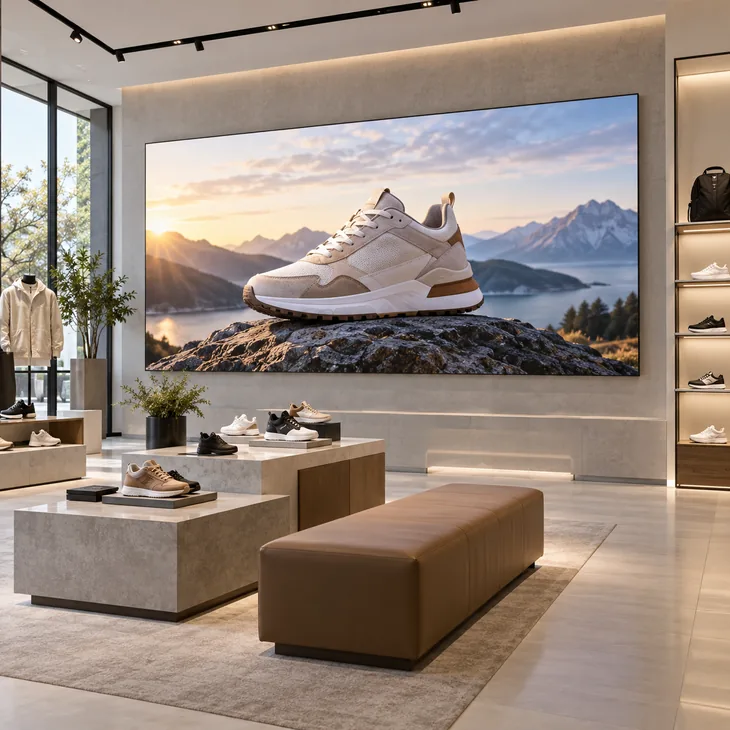
For stores running the same campaign, pair each screen with a compatible network player and cloud platform. Staff can publish new offers centrally instead of carrying media to every location.
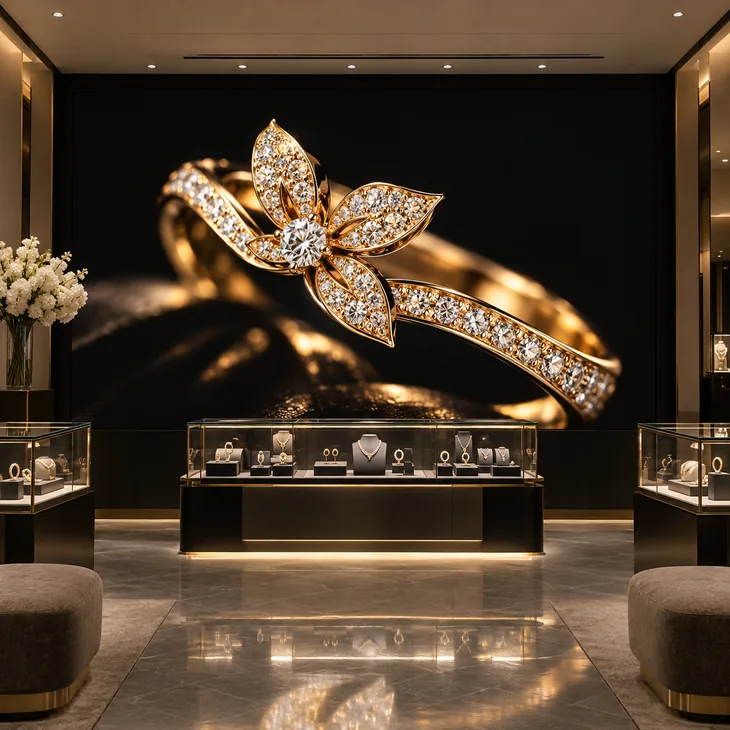
For jewellery or leather goods, use a matte black display face and calibrate with the store lighting on. Approve dark fabrics and bright metal highlights using the actual campaign footage.

Connect the demonstration computer as a live input so staff can open drawings and change product views during a discussion. Use a separate media source for the unattended video loop.
Fine Pitch LED Display Key Advantages

Maps, product photographs, and drawings extend across the wall without LCD panel borders cutting through labels or details.

The matte black face provides a dark background for highlights. Calibration matches neighbouring modules so a plain background does not appear patchy.

A high LED refresh rate helps reduce visible flicker and camera banding during recorded presentations and live events. Camera timing still needs to be matched during setup.

Die cast aluminium cabinets ease handling during installation. Accurately formed edges help align adjacent cabinets and reduce visible steps across the display surface.

A diagnosed module fault can be repaired by replacing that module. The complete wall and surrounding cabinets can stay installed.

A wide viewing angle supports seating to either side of the screen. Check colour and text visibility from the outermost seats when approving the room layout.
Front Installation and Front Maintenance
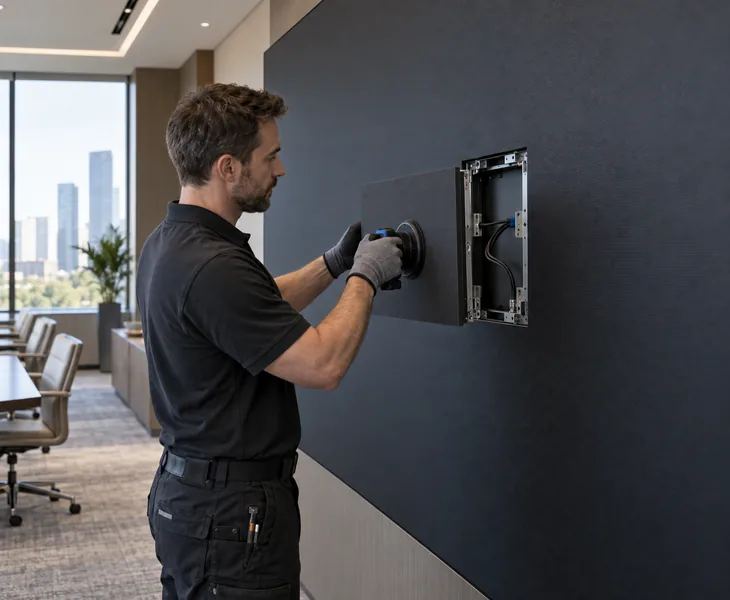
With a Prevision Fine Pitch LED Display, you can install and service your LED video wall entirely from the front, without reserving a rear maintenance aisle. LED modules, power supplies, and receiving cards remain accessible from the room side, making your front-service LED display ideal for recessed walls, meeting rooms, control rooms, and other spaces with limited installation depth.
Automatic Brightness Control
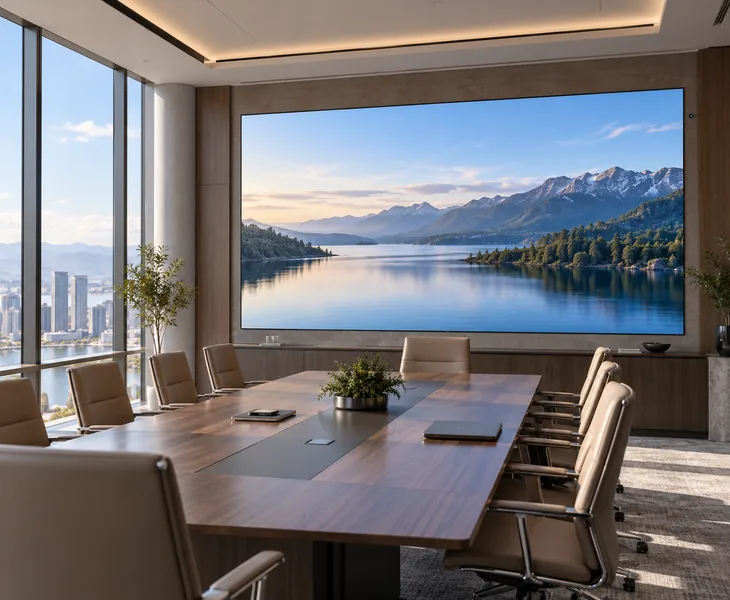
With a Prevision Fine Pitch LED Display, you can add an optional ambient light sensor and compatible controller to adjust screen brightness automatically. Your Fine Pitch LED Screen becomes brighter as indoor light increases and dims when the room gets darker, helping you reduce glare, improve viewing comfort, and avoid repeated manual brightness adjustments in lobbies, showrooms, meeting rooms, and other indoor LED video wall applications.
Fine Pitch LED Display Installation Cases

A corporate customer in Helsinki, Finland needed a high-resolution Fine Pitch LED Display for an executive boardroom. Their previous projection system lost contrast when the room lights were on, and small spreadsheet text was difficult to read from nearby seats. Prevision configured a P1.25 Fine Pitch LED Video Wall measuring 4.8 × 2.7 meters, providing a native 3840 × 2160 4K resolution. The high pixel density allows presentations, financial data, video conferences, and detailed documents to remain clear at close viewing distances.

A system integrator in Brussels, Belgium required an ultra-high-resolution Fine Pitch LED Video Wall for a control room. Operators needed to display dashboards, maps, alarms, CCTV feeds, and operational data simultaneously, but the available wall space was limited. Prevision configured a P0.9375 LED Display measuring 4.8 × 2.025 meters, with an ultra-wide resolution of 5120 × 2160 pixels. The ultra-fine pixel pitch allows more information to be displayed within a relatively compact physical area while maintaining readable text and detailed graphics.

A technology company in Jakarta, Indonesia wanted a large digital centerpiece for its customer experience center. Visitors would stand close to the screen, so the customer required detailed product images and smooth video without visible coarse pixels. Prevision configured a P1.25 Fine Pitch LED Display measuring 6 × 2.7 meters, with a resolution of 4800 × 2160 pixels. The wide-format LED wall allows the company to display product demonstrations, corporate videos, interactive presentations, and branded visual content with high image detail.

A university in Athens, Greece required a Fine Pitch LED Screen for a large lecture hall. The existing projection system became difficult to see when ambient lighting was required for students to take notes. Prevision configured a P1.56 Indoor Fine Pitch LED Display measuring 6 × 3.375 meters, providing a 3840 × 2160 4K resolution. The direct-view LED screen allows lecturers to display presentations, diagrams, educational videos, and detailed text without needing to darken the entire room.

A corporate headquarters in Dublin, Ireland required a large Fine Pitch LED Wall for presentations, town-hall meetings, training sessions, and live camera feeds. The AV team needed one display that could handle several types of content and remain clear for audiences seated at different distances. Prevision configured a P1.875 LED Video Wall measuring 7.2 × 4.05 meters, with a native 3840 × 2160 4K resolution. A professional video processor can support multiple signal inputs and seamless switching between presentation computers, cameras, and other AV sources.
Fine Pitch LED Display Specifications and Selection Guide
- MC Series COB Specifications
- 2K and 4K Screen Sizes
- LED and LCD Comparison
- Viewing Distance
MC Series COB LED Display Specifications
Specifications below apply to the four MC series COB models listed. SMD and GOB configurations require their own model specifications.
| Parameter | MC0.93 | MC1.25 | MC1.56 | MC1.87 |
|---|---|---|---|---|
| Pixel pitch (mm) | 0.9375 | 1.25 | 1.5625 | 1.875 |
| LED construction | Flip-chip COB, 1R1G1B, common cathode | |||
| Pixel density (pixels/m²) | 1,137,778 | 640,000 | 409,600 | 284,444 |
| Module size W × H (mm) | 150 × 337.5 | 150 × 337.5 | 150 × 337.5 | 150 × 168.75 |
| Module resolution (pixels) | 160 × 360 | 120 × 270 | 96 × 216 | 80 × 90 |
| Module housing | No plastic housing | |||
| Cabinet W × H × D (mm) | 600 × 337.5 × 32.5 | |||
| Cabinet resolution (pixels) | 640 × 360 | 480 × 270 | 384 × 216 | 320 × 180 |
| Cabinet material | Die cast aluminium | |||
| Scan ratio | 1/60 | 1/45 | 1/48 | 1/30 |
| Cabinet flatness (mm) | ≤0.10 | |||
| Greyscale processing | 14-bit plus 2-bit software processing | |||
| Ingress protection | Display face IP65; rear IP45 | |||
| Installation and service | Front or rear installation; front service | |||
| Rated brightness | 650–800 nits; adjustable output | |||
| Colour temperature (K) | 3200–9300; adjustable | |||
| Brightness uniformity | ≥98% | |||
| Colour uniformity | Within 0.003 Cx, Cy | |||
| Viewing angle H / V | ≥170° | |||
| Contrast ratio | 10,000:1 | |||
| Pixel colour calibration | Supported | |||
| Pixel brightness calibration | Supported | |||
| Drive mode | Constant current | |||
| Receiving card options | A8S / A7S / A5S; specify the fitted card in the order | |||
| Video frame rate | 50 / 60 Hz | |||
| LED refresh rate | 7,680 Hz | |||
| Signal connection | RJ45 | |||
| AC input voltage (V) | 110–220 | |||
| Module DC input voltage (V) | 4.2 | |||
| Module maximum current (A) | 2.5 | |||
| Maximum power (W/m²) | ≤450 | |||
| Average power (W/m²) | ≤150 | |||
| Operating temperature (°C) | −20 to +50 | |||
| Operating humidity (% RH) | 10–95 | |||
For indoor installations. The protection ratings refer to the cabinet faces, not a complete outdoor enclosure. Final brightness, greyscale and refresh settings depend on the specified control configuration.
Screen Size for 2K and 4K by Pixel Pitch
Calculated active width × height in metres, excluding the frame. Here, 2K means Full HD (1920 × 1080). Size = pixel count × exact pitch ÷ 1000; final installation dimensions also include the structure and trim.
| Exact pitch (mm) | 2K / Full HD 1920 × 1080 | UHD 4K 3840 × 2160 |
|---|---|---|
| 0.9375 | 1.8 × 1.0125 m | 3.6 × 2.025 m |
| 1.25 | 2.4 × 1.35 m | 4.8 × 2.7 m |
| 1.5625 | 3 × 1.6875 m | 6 × 3.375 m |
| 1.875 | 3.6 × 2.025 m | 7.2 × 4.05 m |
Fine Pitch LED Display and LCD Video Wall Comparison
| Buying considerations | Fine pitch LED display | LCD video wall |
|---|---|---|
| Image across joins | No LCD bezel grid through maps, drawings or video. | Panel bezels remain visible; width varies by model. |
| Size and resolution | Cabinet increments set the dimensions; pitch sets the pixel count. | Panel sizes and native resolutions set the layout. |
| Brightness and contrast | Compare rated output and black levels under the planned room lighting. | Commercial models can offer comparable indoor brightness; compare actual models. |
| Viewing from the side | Check brightness, colour and text from the outermost seats. | Also check the model and picture from the outermost seats. |
| Repair unit | A faulty module can be replaced; match and calibrate the spare. | A faulty panel may need replacement; match the spare panel. |
| Continuous operation | Specify operating hours, ventilation and the required backup scope. | 24/7-rated commercial models are available. |
| Project cost | Fine pitches usually raise display cost; include control and mounting. | Often lower initial display cost; include mounts, control and spares. |
| When to choose | A continuous image or a custom aspect ratio is a priority. | Standard panel layouts and a lower initial budget suit the project. |
Pixel Pitch and Viewing Distance Ranges
| Exact pitch (mm) | Reference viewing range (m) |
|---|---|
| 0.9375 | 1.6–3.2 |
| 1.25 | 2.2–4.3 |
| 1.5625 | 2.7–5.4 |
| 1.875 | 3.2–6.4 |
Testimonials
The P1.25 Fine Pitch LED Display gives us excellent clarity for presentations and financial data. Small text remains easy to read even from the seats closest to the screen.
Mikko LaineThe P0.9 Fine Pitch LED Video Wall allows our operators to monitor several data sources on one screen without sacrificing detail. It fits our limited wall space very well.
Pieter De SmetThe P1.2 Fine Pitch LED Display gives our product demonstrations much more detail at close viewing distances. The large seamless screen has become an important part of our customer experience center.
Aditya PranotoThe Fine Pitch LED Screen remains clear even when the lecture hall lights are on. Students can now read diagrams, text, and presentation content without darkening the room.
Nikos PapadopoulosThe 4K Fine Pitch LED Wall gives us clear presentations and live camera images throughout the auditorium. Switching between different AV sources is also much easier for our technical team.
Sean O’Connell
Start with the nearest viewing position and available screen size. Use the distance table to shortlist pitches, then check the actual content. A meeting room showing small spreadsheet text may need more pixels than a larger screen showing video. Choose the pitch that provides enough detail within the available area.
No. A controller may accept 4K while the LED wall has fewer physical pixels. Ask for the assembled resolution in the quotation: native UHD 4K means 3840 × 2160. The source, processor and wall must all support that resolution to preserve the original image detail.
Test the production camera at its intended frame rate and shutter setting before the event. Where supported, adjust LED timing to reduce scan bands. If moiré remains, change camera distance or framing and test again. A screen that looks clean to the eye can still show artefacts on camera.
Yes, with a native UHD 4K wall and a processor that supports four simultaneous Full HD inputs and the required layout. Four equal windows then have 1920 × 1080 pixels each, before borders. On a Full HD wall, each window would have only 960 × 540 pixels.
Usually, the conferencing camera, microphones and room audio can remain in the existing AV system. Its video output connects to a compatible LED processor. Send the source output formats and the number of feeds needed at once, so the processor can be specified for both connections and window layouts.
Specify matching LED modules, power supplies and receiving cards in the quotation, with quantities listed separately. Keep module batch references and a backup of the screen configuration. Same-batch modules make later matching easier; a replacement still needs an image check and calibration where required.
Record whether the fault affects one module, a whole cabinet or several cabinets, and send a photo with its position marked. This helps technical support narrow down the source, signal or hardware checks. Once the faulty component is identified, a local technician can fit the matching spare instead of replacing the wall.
Prevision provides a three-year warranty, with coverage and service arrangements confirmed in the order. The stated LED panel life is separate from the warranty period. Power supplies, receiving cards and other replaceable parts have their own service requirements and may need attention during operation.
Compare the same active dimensions, native resolution and LED construction. Then put the processor, mounting structure, spares, freight and installation responsibilities on separate lines. Check cloud charges if remote publishing is required. This makes it clear which equipment and work are included before comparing the totals.
Related Products
Explore screen options for commercial interiors, including projects viewed from longer distances.
Choose an encapsulated LED surface when a close-viewing installation needs added surface protection.
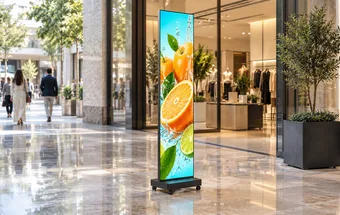
Use a compact screen for entrances and promotions where a full display wall is unnecessary.
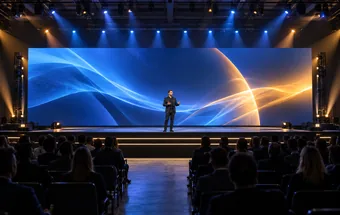
Equip temporary stages and exhibitions with cabinets designed for repeated assembly and transport.